 1 /
5
1 /
5
LLP Members’ Agreement — Word & PDF Template
Members' agreement for a limited liability partnership (LLP), covering capital, profit sharing, designated members, management, and admission, retirement and expulsion of members.
incl. VAT
Compatible with:
This LLP Members’ Agreement governs the internal relationship between the members of a limited liability partnership in England and Wales. It sets out how the LLP is run, how profits are shared, and what happens when members join or leave, supplementing the default rules under the Limited Liability Partnerships Act 2000.
Who is this template for?
Ideal for professionals and businesses operating through an LLP — such as consultancies, accountancy and law firms, agencies and developers — who want clear governance rather than relying on the statutory default provisions.
What does the template include?
The agreement is organised into clearly numbered sections:
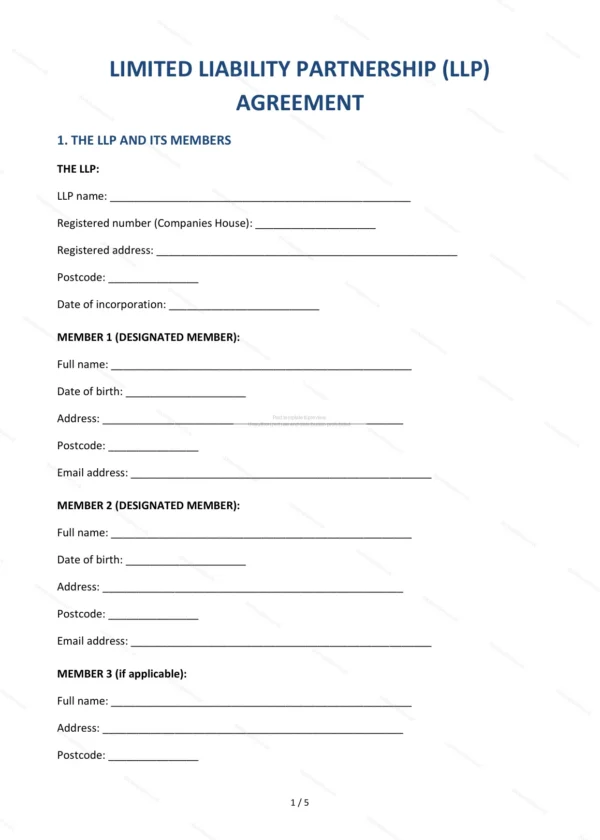
- The LLP and its Members — the partnership and its membership.
- Business — the nature and scope of the LLP’s activities.
- Capital Contributions — what each member contributes.
- Profit Sharing — how profits are allocated.
- Designated Members — those with statutory filing duties.
- Management — decision-making and running of the LLP.
- Member Duties — obligations owed to the LLP.
- Banking and Accounts — financial administration.
- Admission of New Members — bringing in new members.
- Retirement of a Member — how a member leaves.
- Expulsion — removing a member for cause.
- Dissolution — winding up the LLP.
- Governing Law — England & Wales jurisdiction.
- Signatures — execution by the members.
Easy to customise
The template works in Microsoft Word, Google Docs and LibreOffice. Fill in the highlighted fields, choose the options that apply and tailor the clauses to your LLP before signing.
Format and scope
Provided as an editable Word (.docx) file and a ready-to-print PDF in A4 size, drafted for use in England and Wales.
How to edit the template
- Download the DOCX file after purchase
- Open it in Word, Google Docs, LibreOffice or another DOCX editor
- Fill in the parties' details in the marked fields
- Edit the terms and text to match what has been agreed
- Print it for signing or send it digitally