 1 /
6
1 /
6
Lasting Power of Attorney (Property and Financial Affairs) — Word & PDF Template
Property and financial affairs Lasting Power of Attorney template letting a donor appoint attorneys to manage money, property and finances, with options on when it can be used.
incl. VAT
Compatible with:
This Lasting Power of Attorney for Property and Financial Affairs lets a donor appoint one or more attorneys to manage their money, bank accounts, property and finances. It is prepared for use in England and Wales under the Mental Capacity Act 2005.
Who is this template for?
For anyone who wants to choose trusted people to handle their financial affairs — whether to help now or only if they lose capacity — and for families supporting a relative with planning ahead.
What does the template include?
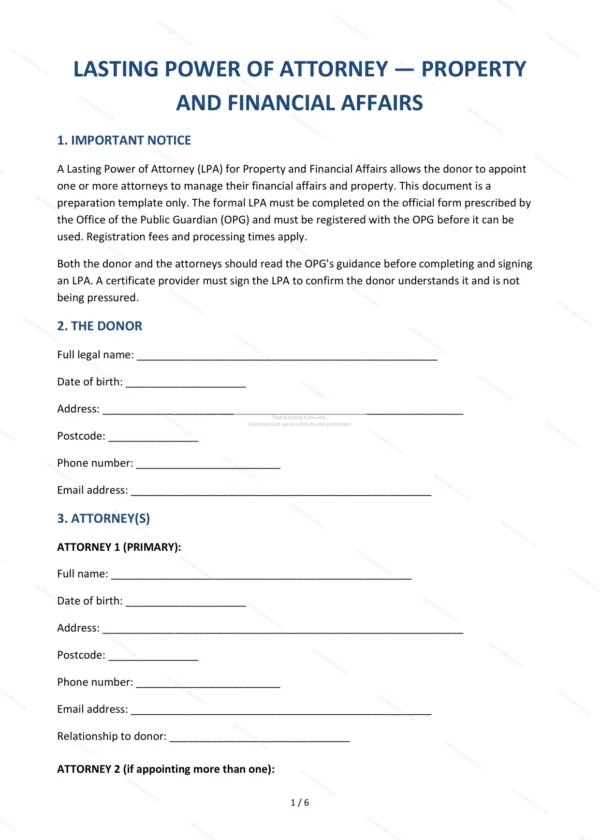
The document is organised into clear sections:
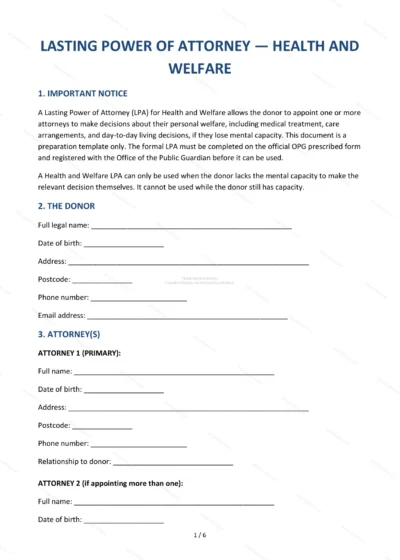
- Important Notice — how the LPA works and the need to register it.
- The Donor — the person granting the power.
- Attorney(s) — the people appointed to act.
- How Attorneys Act — jointly or jointly and severally.
- Replacement Attorney(s) — back-up attorneys.
- When the LPA Can Be Used — immediately or only on loss of capacity.
- Restrictions and Conditions — limits placed on the attorneys.
- Scope of Attorney’s Powers — the financial decisions they can make.
- Certificate Provider — confirmation of understanding.
- People to Notify — those told about registration.
- Registration — registering with the Office of the Public Guardian.
- Signatures — signing by the donor, attorneys and witnesses.
Easy to customise
The template works in Microsoft Word, Google Docs and LibreOffice. Fill in the highlighted fields, set your options and restrictions, and follow the signing guidance. The completed LPA must be registered with the Office of the Public Guardian before it can be used.
Format and scope
Provided as an editable Word (.docx) file and a ready-to-print PDF in A4 size, drafted for use in England and Wales.
How to edit the template
- Download the DOCX file after purchase
- Open it in Word, Google Docs, LibreOffice or another DOCX editor
- Fill in the parties' details in the marked fields
- Edit the terms and text to match what has been agreed
- Print it for signing or send it digitally