 1 /
6
1 /
6
Separation Agreement — Word & PDF Template
A UK separation agreement for couples splitting up, recording arrangements for the family home, finances, children and a full and final financial settlement.
incl. VAT
Compatible with:
This Separation Agreement helps a married or cohabiting couple record how they will divide property, finances and responsibilities when they separate. It documents arrangements for the family home, mortgage, maintenance and children, and sets out a full and final settlement, providing clarity and reducing the risk of later dispute.
Who is this template for?
It is intended for married couples, civil partners and cohabitants who are separating and want a clear written record of their agreed arrangements. It is often used before or alongside divorce proceedings and where independent legal advice is being taken.
What does the template include?
The agreement is fully structured and addresses the main issues on separation:
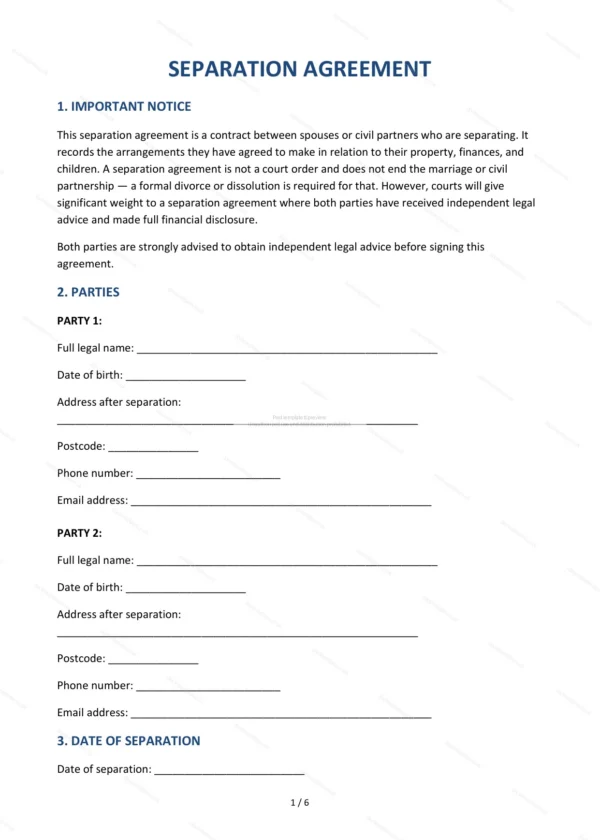
- Important Notice — guidance on legal advice and the nature of the document.
- Parties — the separating individuals.
- Date of Separation — the agreed date the couple separated.
- Matrimonial Home — arrangements for the family home.
- Mortgage — responsibility for mortgage payments.
- Other Property and Assets — division of remaining assets.
- Debts and Liabilities — who is responsible for which debts.
- Maintenance and Financial Support — spousal and ongoing support.
- Children — arrangements and provision for children.
- Full and Final Settlement — the clean-break intention.
- Disclosure — confirmation of financial disclosure.
- Independent Legal Advice — each party’s right to advice.
- Governing Law — England and Wales jurisdiction.
- Signatures — execution by both parties.
Easy to customise
The template works in Microsoft Word, Google Docs and LibreOffice. Simply fill in the highlighted fields, tick the relevant checkboxes and edit any clauses to suit your arrangement. No special software is required.
Format and scope
The document downloads as an editable Word (.docx) file and a ready-to-print PDF, formatted to A4. It is drafted for use in England and Wales with light, general legal references.
How to edit the template
- Download the DOCX file after purchase
- Open it in Word, Google Docs, LibreOffice or another DOCX editor
- Fill in the parties' details in the marked fields
- Edit the terms and text to match what has been agreed
- Print it for signing or send it digitally