 1 /
4
1 /
4
Architect Appointment — Word & PDF Template
Architect appointment template setting out scope of services, fees, copyright, professional indemnity and dispute resolution for clients and architects in England & Wales.
incl. VAT
Compatible with:
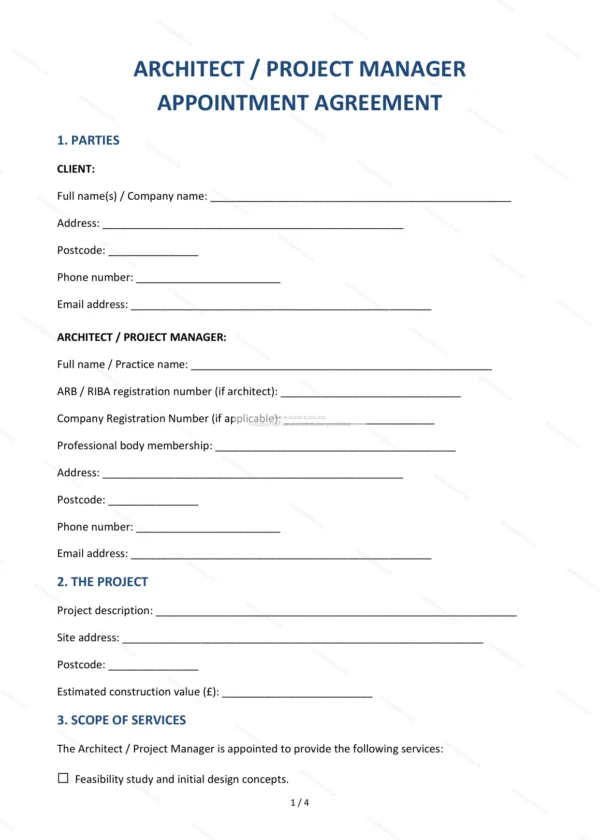
This architect appointment sets out the terms on which an architect is engaged by a client for a building or design project. It records the scope of services, fees and key professional obligations so both sides know where they stand.
Who is this template for?
It suits clients commissioning design work and architects or architectural practices in England and Wales. Use it for residential or commercial projects of varying size where a clear appointment is needed.
What does the template include?
The appointment is organised into numbered clauses covering the engagement:
- Parties — identifies the client and the architect.
- The project — description of the works and site.
- Scope of services — the design and other services provided.
- Client’s obligations — information, access and approvals.
- Fees — basis and amount of the architect’s fees.
- Payment schedule — invoicing and stage payments.
- Programme — timing of the work.
- Professional indemnity insurance — required cover.
- Copyright and intellectual property — ownership and use of designs.
- Termination — how the appointment may end.
- Dispute resolution — resolving disagreements.
- Governing law — England and Wales jurisdiction.
- Signatures — execution by both parties.
Easy to customise
The template works in Microsoft Word, Google Docs and LibreOffice. Fill in the highlighted fields, edit the scope and fee clauses to match the project and remove anything that does not apply.
Format and scope
Supplied as an editable Word (.docx) file and a ready-to-print PDF, formatted to A4. Written in plain British English with light, general references to England & Wales law.
How to edit the template
- Download the DOCX file after purchase
- Open it in Word, Google Docs, LibreOffice or another DOCX editor
- Fill in the parties' details in the marked fields
- Edit the terms and text to match what has been agreed
- Print it for signing or send it digitally