 1 /
4
1 /
4
Non-Compete Agreement — Word & PDF Template
Non-compete and restrictive covenant agreement covering non-competition, non-solicitation of clients and staff, non-dealing and confidentiality, with reasonableness safeguards.
incl. VAT
Compatible with:
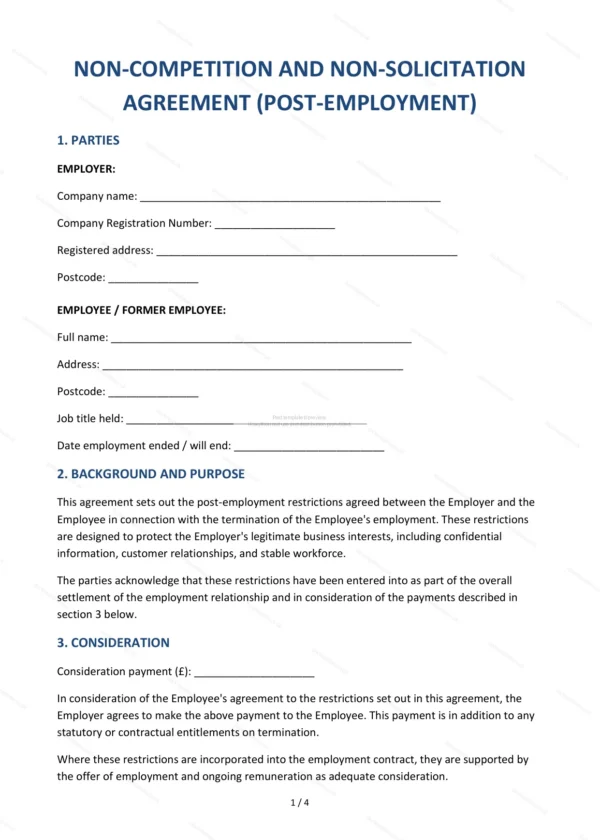
This Non-Compete Agreement sets out post-relationship restrictive covenants designed to protect a business’s legitimate interests in England and Wales. It covers non-competition, non-solicitation and non-dealing, drafted with reasonableness and severability in mind so the restrictions stand the best chance of being enforceable.
Who is this template for?
Used by employers, business owners and buyers of a business who want to restrain an employee, consultant or seller from competing, poaching clients or staff, or misusing confidential information for a limited period.
What does the template include?
The agreement is organised into clearly numbered sections:
- Parties — the parties to the restrictions.
- Background and Purpose — the interests being protected.
- Consideration — what is given in return for the restrictions.
- Duration of Restrictions — how long they apply.
- Non-Competition — restriction on competing.
- Non-Solicitation of Clients — restriction on approaching clients.
- Non-Solicitation of Employees — restriction on poaching staff.
- Non-Dealing — restriction on dealing with clients.
- Confidential Information — protection of information.
- Reasonableness and Severability — keeping restrictions enforceable.
- Injunctive Relief — court remedies for breach.
- Governing Law and Jurisdiction — England & Wales.
- Entire Agreement — the whole agreement.
- Signatures — execution by the parties.
Easy to customise
The template works in Microsoft Word, Google Docs and LibreOffice. Fill in the highlighted fields, set the duration and scope and adjust the clauses before signing.
Format and scope
Provided as an editable Word (.docx) file and a ready-to-print PDF in A4 size, drafted for use in England and Wales.
How to edit the template
- Download the DOCX file after purchase
- Open it in Word, Google Docs, LibreOffice or another DOCX editor
- Fill in the parties' details in the marked fields
- Edit the terms and text to match what has been agreed
- Print it for signing or send it digitally