 1 /
5
1 /
5
Sale of Goods Agreement (B2B) — Word & PDF Template
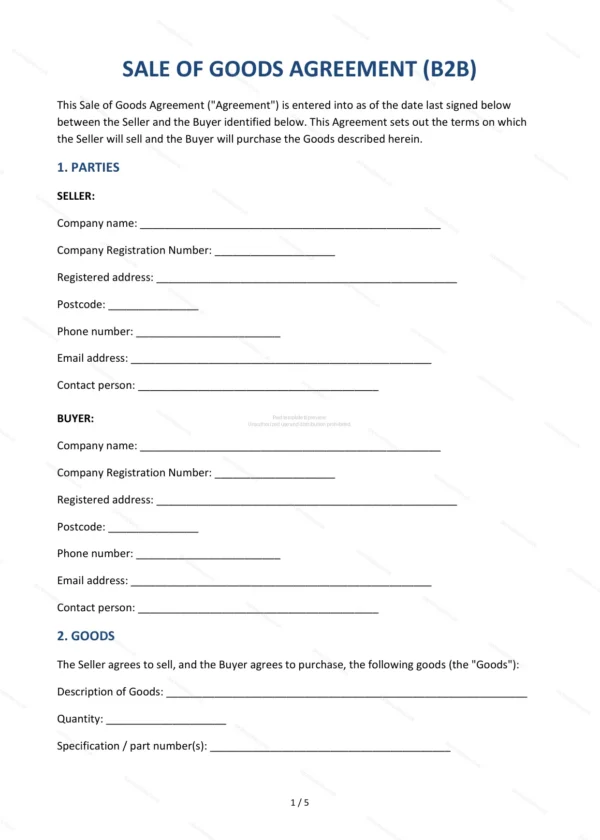
Business-to-business sale of goods agreement covering the goods, price, payment, delivery, risk and title, inspection, warranty and limitation of liability.
incl. VAT
Compatible with:
This Sale of Goods Agreement (B2B) governs the supply of goods from one business to another in England and Wales. It sets out the commercial terms — price, payment, delivery, risk and title — and the warranties and liability position between the parties.
Who is this template for?
For manufacturers, wholesalers, suppliers and trade buyers entering into a business-to-business sale of goods, whether a one-off order or a recurring supply arrangement.
What does the template include?
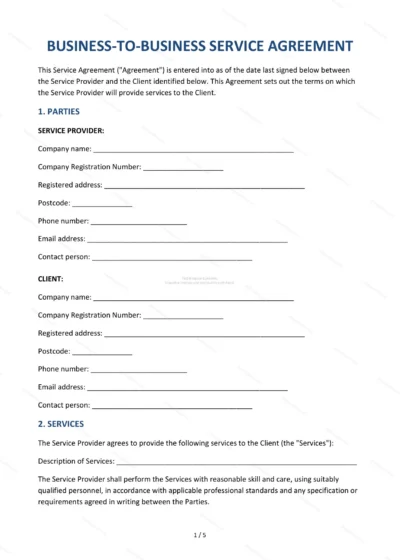
The agreement is organised into clearly numbered sections:
- Parties — the seller and the buyer.
- Goods — a description of the goods sold.
- Price — the price and any taxes.
- Payment — payment terms.
- Delivery — how and when goods are delivered.
- Risk and Title — when risk and ownership pass.
- Inspection and Acceptance — checking and accepting goods.
- Warranty — the seller’s warranty on the goods.
- Limitation of Liability — caps and exclusions.
- Force Majeure — events beyond reasonable control.
- Termination — how the agreement ends.
- Governing Law — England & Wales jurisdiction.
- Entire Agreement — the whole agreement.
- Signatures — execution by the parties.
Easy to customise
The template works in Microsoft Word, Google Docs and LibreOffice. Fill in the highlighted fields, set the goods, price and delivery terms and adjust the clauses before signing.
Format and scope
Provided as an editable Word (.docx) file and a ready-to-print PDF in A4 size, drafted for use in England and Wales.
How to edit the template
- Download the DOCX file after purchase
- Open it in Word, Google Docs, LibreOffice or another DOCX editor
- Fill in the parties' details in the marked fields
- Edit the terms and text to match what has been agreed
- Print it for signing or send it digitally