 1 /
5
1 /
5
Sale or Return Agreement — Word & PDF Template
Sale or return agreement letting a recipient stock goods and pay only for those sold, returning the rest, covering the sale period, payment, title, risk and returns.
incl. VAT
Compatible with:
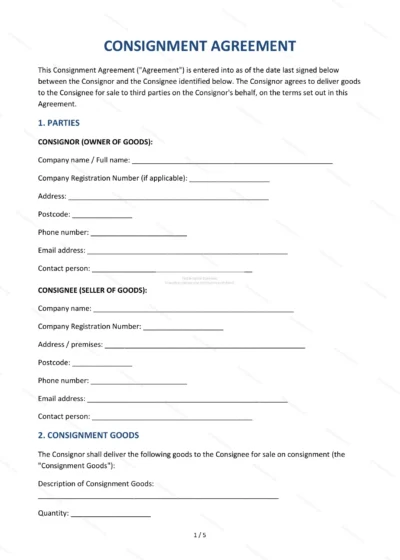
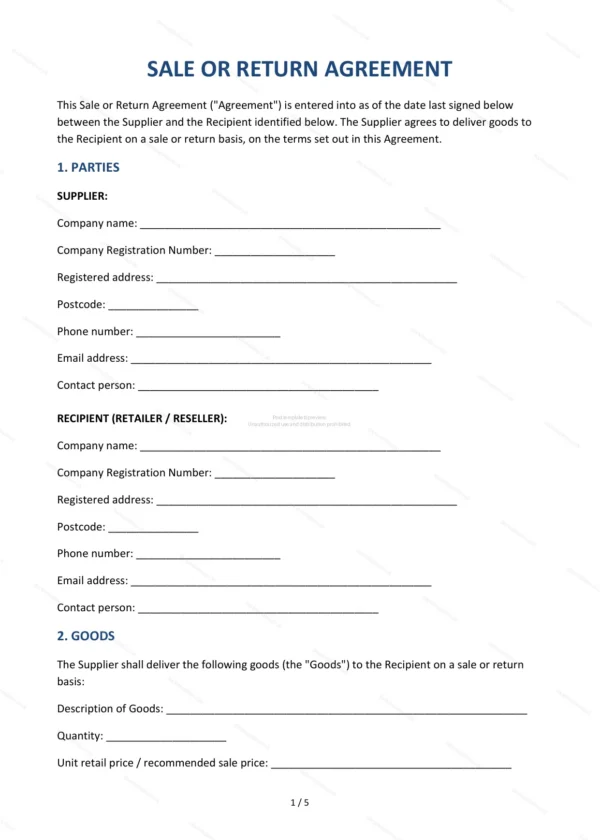
This Sale or Return Agreement lets a supplier place goods with a recipient (such as a retailer) who pays only for the items sold and returns the unsold stock. It clarifies title, risk and payment for this consignment-style arrangement in England and Wales.
Who is this template for?
For suppliers, makers and wholesalers placing stock with shops, galleries or retailers on a sale-or-return basis, and for the recipients taking goods without paying upfront.
What does the template include?
The agreement is organised into clearly numbered sections:
- Parties — the supplier and the recipient.
- Goods — the goods supplied on sale or return.
- Nature of the Arrangement — how sale or return works.
- Sale Period — how long the recipient holds the goods.
- Recipient’s Obligations — the recipient’s responsibilities.
- Sale to Customers — selling the goods on.
- Payment for Sold Goods — paying for items sold.
- Return of Unsold Goods — returning the rest.
- Damage and Loss — responsibility for damaged stock.
- Title and Risk — ownership and risk in the goods.
- Intellectual Property and Branding — use of brand and IP.
- Limitation of Liability — caps and exclusions.
- Termination — how the agreement ends.
- Governing Law — England & Wales jurisdiction.
- Signatures — execution by the parties.
Easy to customise
The template works in Microsoft Word, Google Docs and LibreOffice. Fill in the highlighted fields, set the sale period and payment terms and adjust the clauses before signing.
Format and scope
Provided as an editable Word (.docx) file and a ready-to-print PDF in A4 size, drafted for use in England and Wales.
How to edit the template
- Download the DOCX file after purchase
- Open it in Word, Google Docs, LibreOffice or another DOCX editor
- Fill in the parties' details in the marked fields
- Edit the terms and text to match what has been agreed
- Print it for signing or send it digitally