 1 /
3
1 /
3
Promissory Note (With Interest) — Word & PDF Template
Interest-bearing promissory note recording an unconditional promise to repay a sum with interest, including repayment terms, default interest and enforcement costs.
incl. VAT
Compatible with:
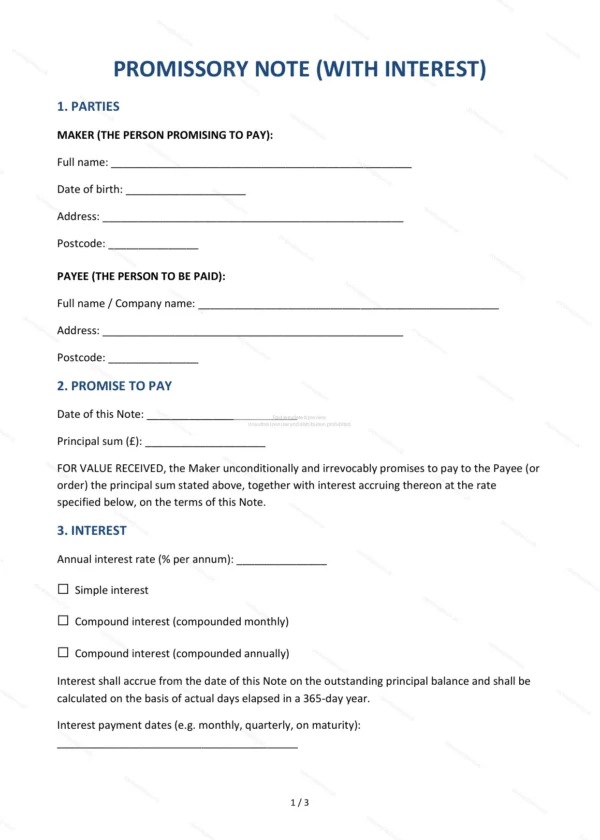
This Promissory Note (With Interest) is a written, unconditional promise by one party (the maker) to repay a specified sum, plus interest, to another. It provides a clear and portable record of a debt for use in England and Wales.
Who is this template for?
For lenders and borrowers who want a simple but robust IOU with interest — useful for private loans, business advances and situations where a full loan agreement is more than needed.
What does the template include?
The note is organised into clearly numbered sections:
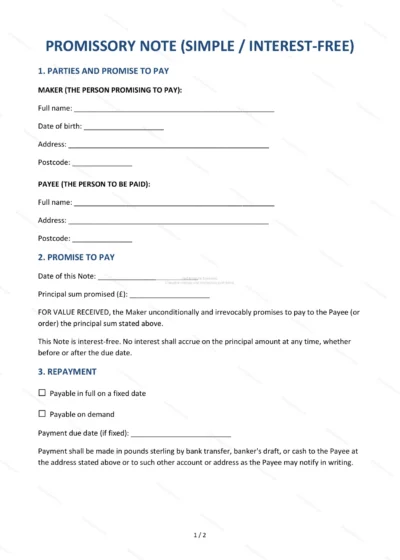
- Parties — the maker (borrower) and payee (lender).
- Promise to Pay — the principal amount owed.
- Interest — the interest rate and how it accrues.
- Repayment Terms — when and how the debt is repaid.
- Unconditional Obligation — the promise is not conditional.
- Default Interest — interest on overdue amounts.
- Enforcement Costs — recovery of costs on default.
- Transferability — whether the note can be transferred.
- Governing Law — England & Wales jurisdiction.
- Signature of Maker — execution by the borrower.
Easy to customise
The template works in Microsoft Word, Google Docs and LibreOffice. Fill in the highlighted fields, set the amount, interest and repayment terms, then have the maker sign.
Format and scope
Provided as an editable Word (.docx) file and a ready-to-print PDF in A4 size, drafted for use in England and Wales.
How to edit the template
- Download the DOCX file after purchase
- Open it in Word, Google Docs, LibreOffice or another DOCX editor
- Fill in the parties' details in the marked fields
- Edit the terms and text to match what has been agreed
- Print it for signing or send it digitally