 1 /
5
1 /
5
Statement of Work (SOW) — Word & PDF Template
A UK statement of work (SOW) under a master agreement, defining project scope, deliverables, milestones, fees, acceptance and change control.
incl. VAT
Compatible with:
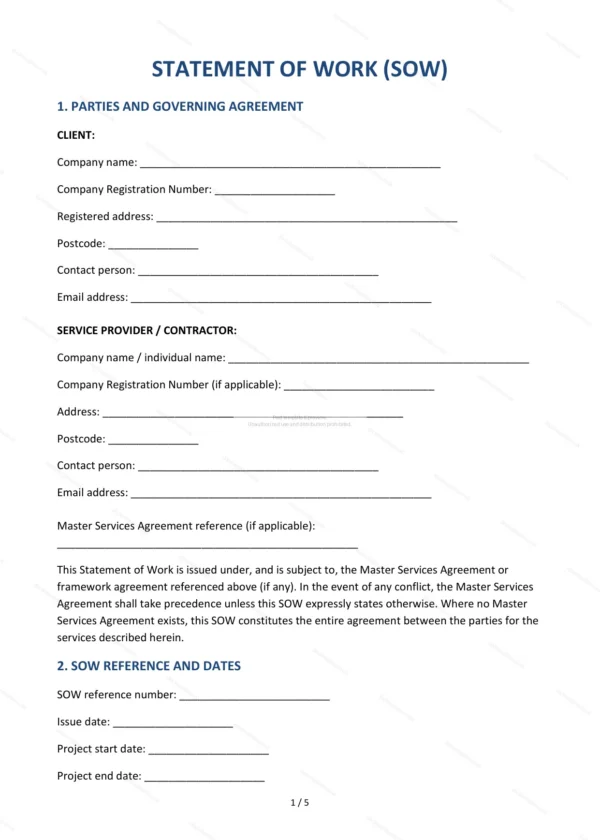
This Statement of Work (SOW) sets out the detail of a specific project to be delivered under an existing master services agreement. It defines the scope, deliverables, milestones, fees and acceptance criteria, making it ideal for consultancies, agencies and suppliers running defined projects for clients in England and Wales.
Who is this template for?
It is designed for suppliers and clients who have a master or framework agreement in place and need to scope an individual project or engagement. It works alongside that overarching contract rather than replacing it.
What does the template include?
The SOW is fully structured and covers the key project details:
- Parties and Governing Agreement — the parties and the master contract.
- SOW Reference and Dates — identifying details and dates.
- Project Overview — summary of the project.
- Scope of Services — the work to be carried out.
- Deliverables — the outputs to be produced.
- Project Milestones and Timeline — stages and schedule.
- Fees and Payment Schedule — charges and payment points.
- Resources and Personnel — the people and resources involved.
- Client Responsibilities — information, access and cooperation.
- Change Control — how changes are agreed.
- Acceptance Testing — how deliverables are accepted.
- Intellectual Property — ownership of project IP.
- Confidentiality and Data Protection — confidentiality and UK GDPR.
- Term and Termination — duration and ending the SOW.
- Governing Law and Jurisdiction — England and Wales jurisdiction.
- Signatures — execution by both parties.
Easy to customise
The template works in Microsoft Word, Google Docs and LibreOffice. Simply fill in the highlighted fields, tick the relevant checkboxes and edit any clauses to suit your arrangement. No special software is required.
Format and scope
The document downloads as an editable Word (.docx) file and a ready-to-print PDF, formatted to A4. It is drafted for use in England and Wales with light, general legal references.
How to edit the template
- Download the DOCX file after purchase
- Open it in Word, Google Docs, LibreOffice or another DOCX editor
- Fill in the parties' details in the marked fields
- Edit the terms and text to match what has been agreed
- Print it for signing or send it digitally