 1 /
5
1 /
5
Car Sale Agreement — Word & PDF Template
Private car sale agreement recording vehicle details, price, condition, sold-as-seen terms and V5C notification for buyers and sellers in England & Wales.
incl. VAT
Compatible with:
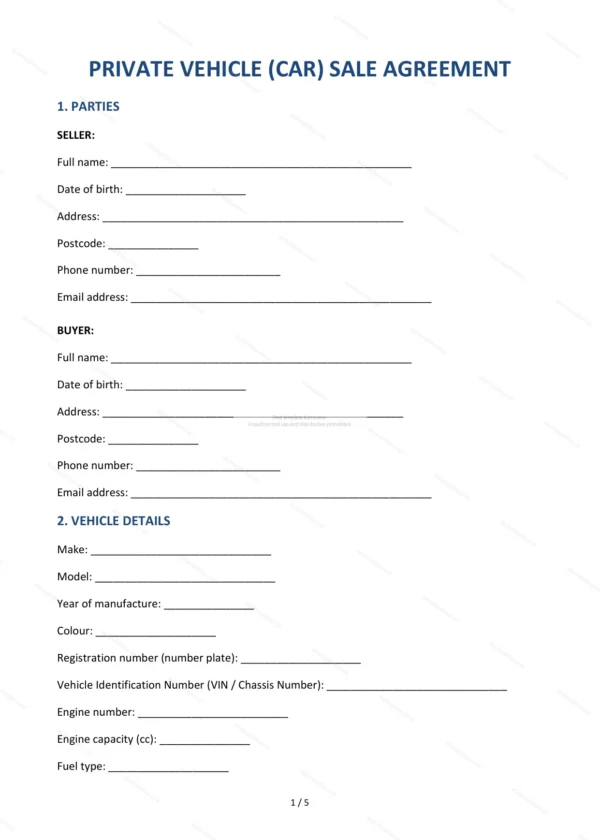
This car sale agreement records the private sale of a used vehicle between a seller and a buyer. It documents the vehicle details, price and condition and confirms the sale is made on a sold-as-seen basis, giving both parties peace of mind.
Who is this template for?
It suits private individuals buying or selling a used car, van or motorcycle in England and Wales. Use it for private sales where you want a clear record of what was agreed and the condition disclosed.
What does the template include?
The agreement is organised into clearly numbered clauses covering the sale:
- Parties — identifies the seller and the buyer.
- Vehicle details — make, model, registration and mileage.
- Purchase price and payment — the price and how it is paid.
- Date and place of handover — when and where the car is handed over.
- Condition of vehicle — the state of the vehicle.
- Known defects and disclosures — faults made known.
- Sold as seen — the basis of the sale.
- Warranty of title — the seller’s right to sell.
- Transfer of risk — when risk passes to the buyer.
- V5C notification — notifying the DVLA of the change.
- Governing law — England and Wales jurisdiction.
- Signatures — execution by both parties.
Easy to customise
The template works in Microsoft Word, Google Docs and LibreOffice. Fill in the highlighted fields, record any known defects and remove anything that does not apply.
Format and scope
Supplied as an editable Word (.docx) file and a ready-to-print PDF, formatted to A4. Written in plain British English with light, general references to England & Wales law.
How to edit the template
- Download the DOCX file after purchase
- Open it in Word, Google Docs, LibreOffice or another DOCX editor
- Fill in the parties' details in the marked fields
- Edit the terms and text to match what has been agreed
- Print it for signing or send it digitally