 1 /
4
1 /
4
Deed of Assignment of Lease — Word & PDF Template
Deed of assignment transferring an existing lease from the outgoing tenant to a new assignee, with landlord's consent, authorised guarantee agreement and direct covenants.
incl. VAT
Compatible with:
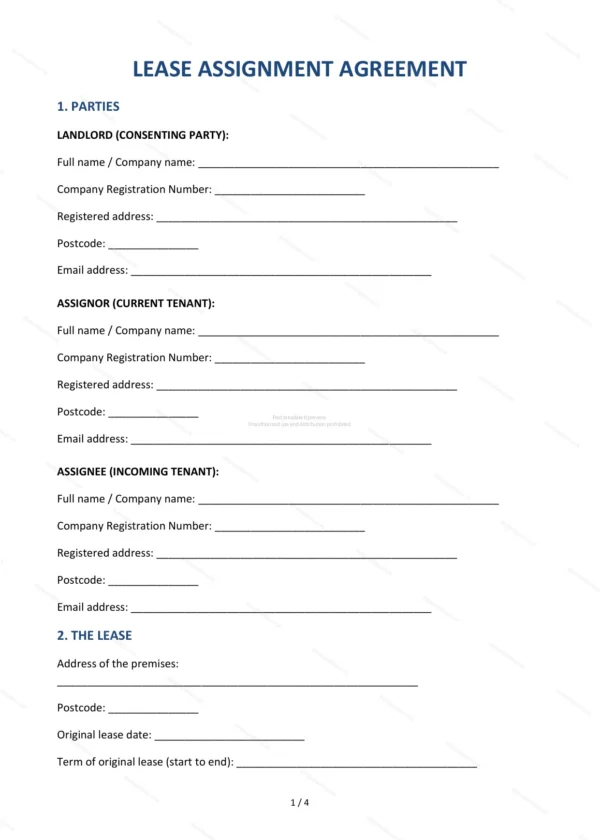
This Deed of Assignment of Lease transfers an existing lease from the current tenant (assignor) to a new tenant (assignee) in England and Wales. It records the landlord’s consent, the consideration paid, and the assignee’s direct covenants to perform the lease.
Who is this template for?
Used by commercial and residential leaseholders assigning a lease, incoming assignees taking over a lease, and their advisers. It is suitable where a landlord has agreed to the transfer of an existing tenancy.
What does the template include?
The deed is set out in clearly numbered sections:
- Parties — the assignor, assignee and (where relevant) the landlord.
- The Lease — details of the lease being assigned.
- Assignment — the transfer of the lease itself.
- Landlord’s Consent — the landlord’s approval of the assignment.
- Authorised Guarantee Agreement — the outgoing tenant’s guarantee.
- Consideration — any payment for the assignment.
- Assignee’s Direct Covenants — promises to observe the lease terms.
- Assignor’s Indemnity — protection for the assignor.
- Registered Land — Land Registry requirements.
- Governing Law — England & Wales jurisdiction.
- Signatures — execution as a deed.
Easy to customise
The template works in Microsoft Word, Google Docs and LibreOffice. Fill in the highlighted fields, select the options that apply and edit the clauses before executing as a deed.
Format and scope
Provided as an editable Word (.docx) file and a ready-to-print PDF in A4 size, drafted for use in England and Wales.
How to edit the template
- Download the DOCX file after purchase
- Open it in Word, Google Docs, LibreOffice or another DOCX editor
- Fill in the parties' details in the marked fields
- Edit the terms and text to match what has been agreed
- Print it for signing or send it digitally